Are you tired offighting WordPress?
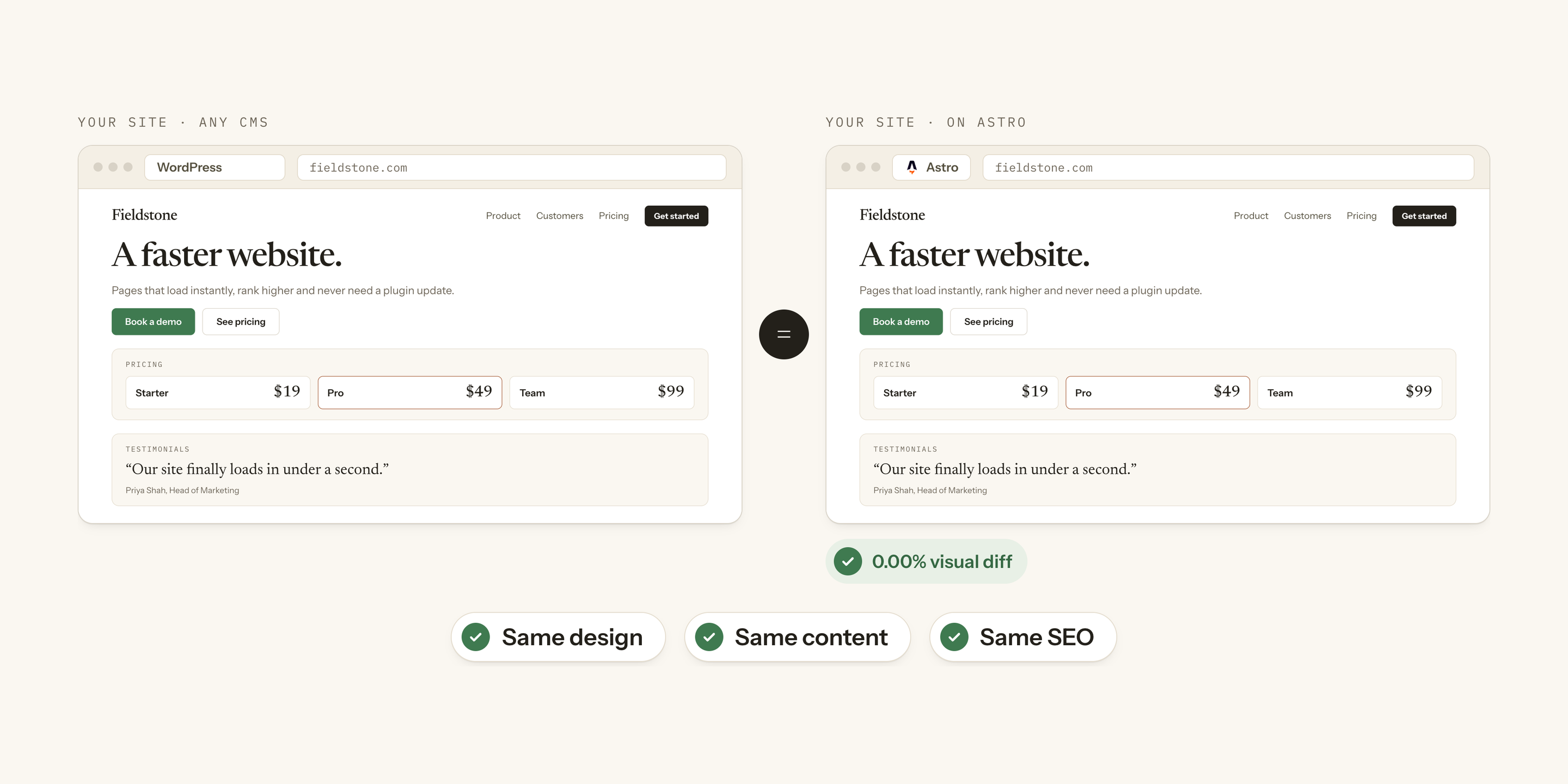
Migrate any website to Astro, effortlessly. Paste your URL and in a minute you see your own homepage copied to Astro, side by side with the original, before you pay anything.
Want a readiness report first? Run the free site check →
A new WordPress vulnerability is disclosed every 46 minutes.1
Every plugin is another vendor, another update cycle, another way in. Your website should be an asset, not a liability. See what that costs you per year →
Same website, better performance.
 WordPress
 Astro
AstroWordPress passes Core Web Vitals on fewer than half of mobile sites.Calculate your savings →
We got quoted $2,000 to fix our own Core Web Vitals. So we pulled the plug.



We're not an agency. We're two colleagues turned friends who moved our own site, Keyword.com, off WordPress after being quoted $2,000 just to fix its Core Web Vitals — one more time.
Like a lot of website owners, ours ran on WordPress and Elementor: an agency build, stuffed with plugins, impossible to touch without something breaking. We spent more time debugging it than updating it, and the Core Web Vitals never stayed fixed. So we ditched the plugins for good and moved the whole site to Astro.
It took less than 10 days, and it was transformative. The site got faster, the vitals held, and updating it became ridiculously fast: with Astro, you connect your site to AI tools like Claude and change anything just by describing it.
We started migrating other sites by hand, the same way. Then we built the tool that does it. Ditchplugins Migrate reads your site, shows you your homepage on Astro for free, and copies the pages you pick exactly as they are, into a repository that is yours. The service became a product: what took us ten days now takes a few hours.
An exact-match copy of your site, on Astro, in a few hours.
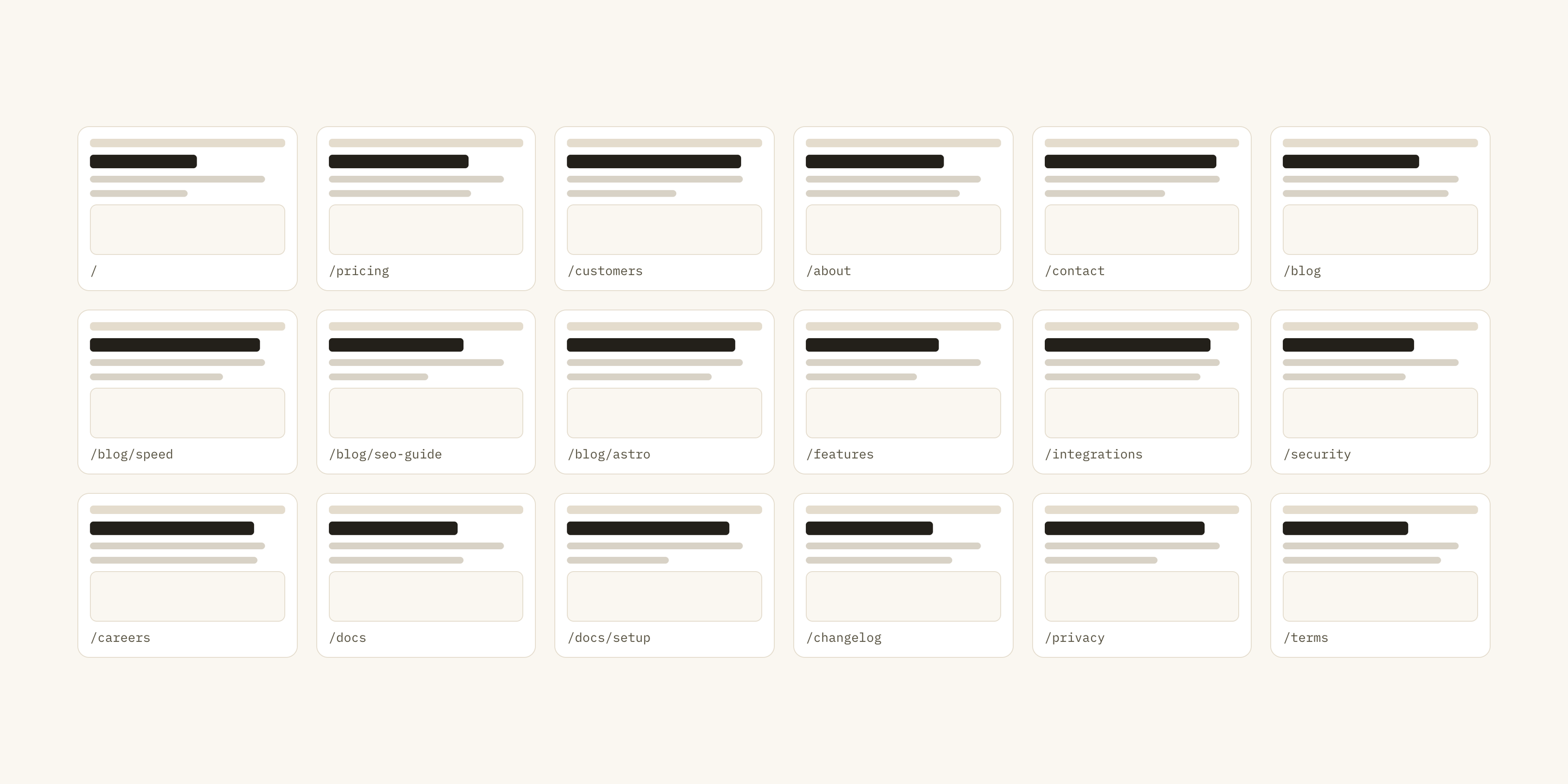
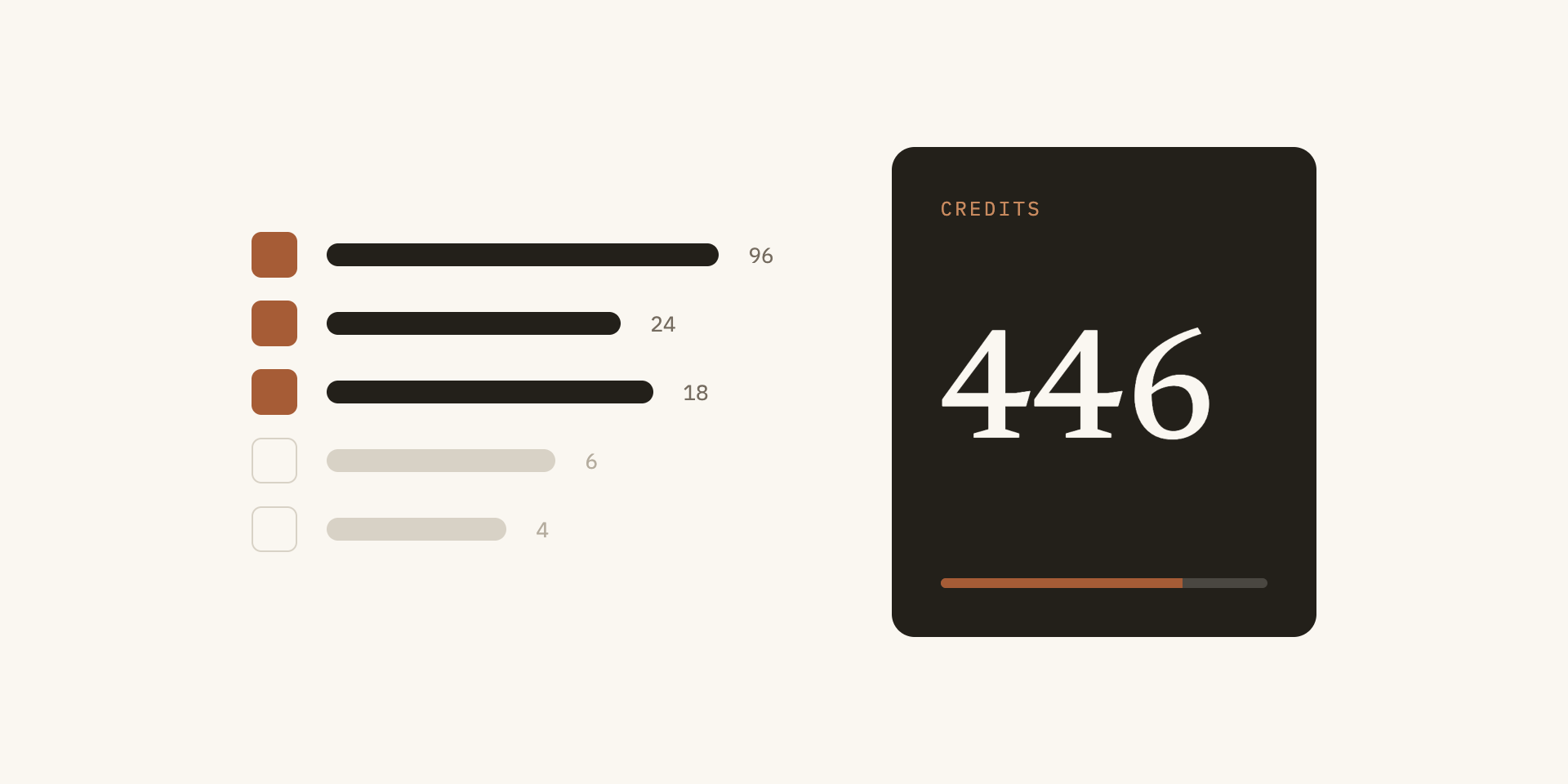
Pay once for a credit pack. Spend it when you are ready.
Credits follow page count and complexity: one credit is one simple static page, four to six for a complex layout. Complexity is measured from the page, not guessed, and the free analysis shows the exact total before you buy anything.
- Starter$199$0.80/credit250 creditsA brochure site or a blog on its own.
- Site$449$0.75/credit600 creditsA full marketing site with a blog and landing pages.
- Agency$799$0.53/credit1,500 creditsLarge sites, or several smaller ones.
- Credits are only used once you pick pages and start.
- Credits never expire. There is no subscription; you buy a pack when you need one.
- Rewiring integrations (forms, chat, analytics) is a flat 40 credits. Pages you leave behind get a redirect to your homepage.
- If a page fails our match gate, its credits come back.
- Prices exclude applicable taxes.
Keyword.com — our own site, WordPress → Astro.
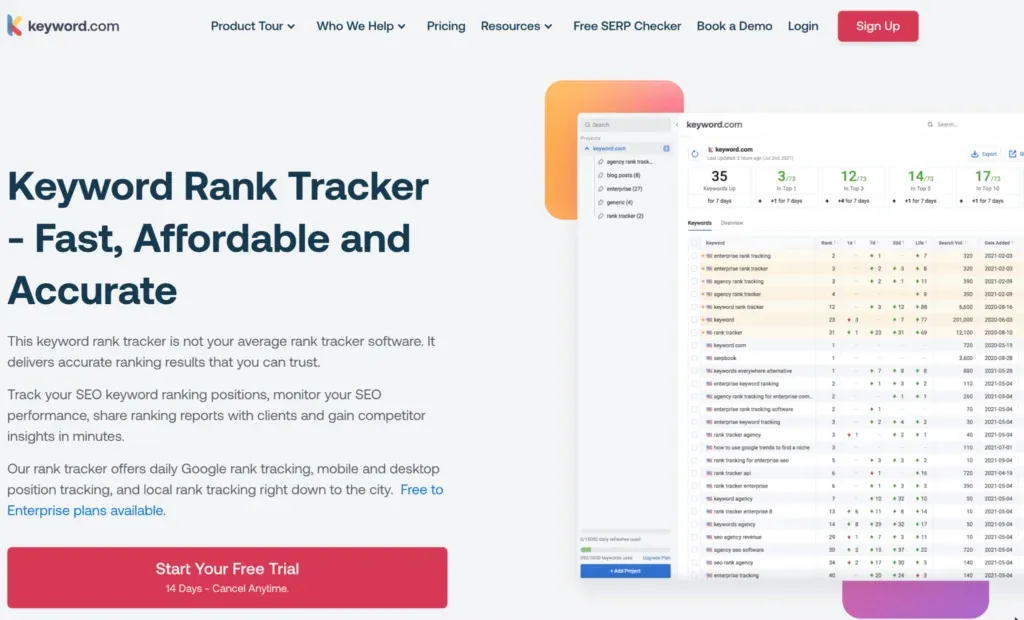

The first site we moved, by hand — the before/after every migration is now built to reproduce in hours.
Every migration ships with its proof.
Each page is loaded from the original and from the Astro build with identical network answers, then compared. Four checks, every page, viewable in the app and exportable as CSV.
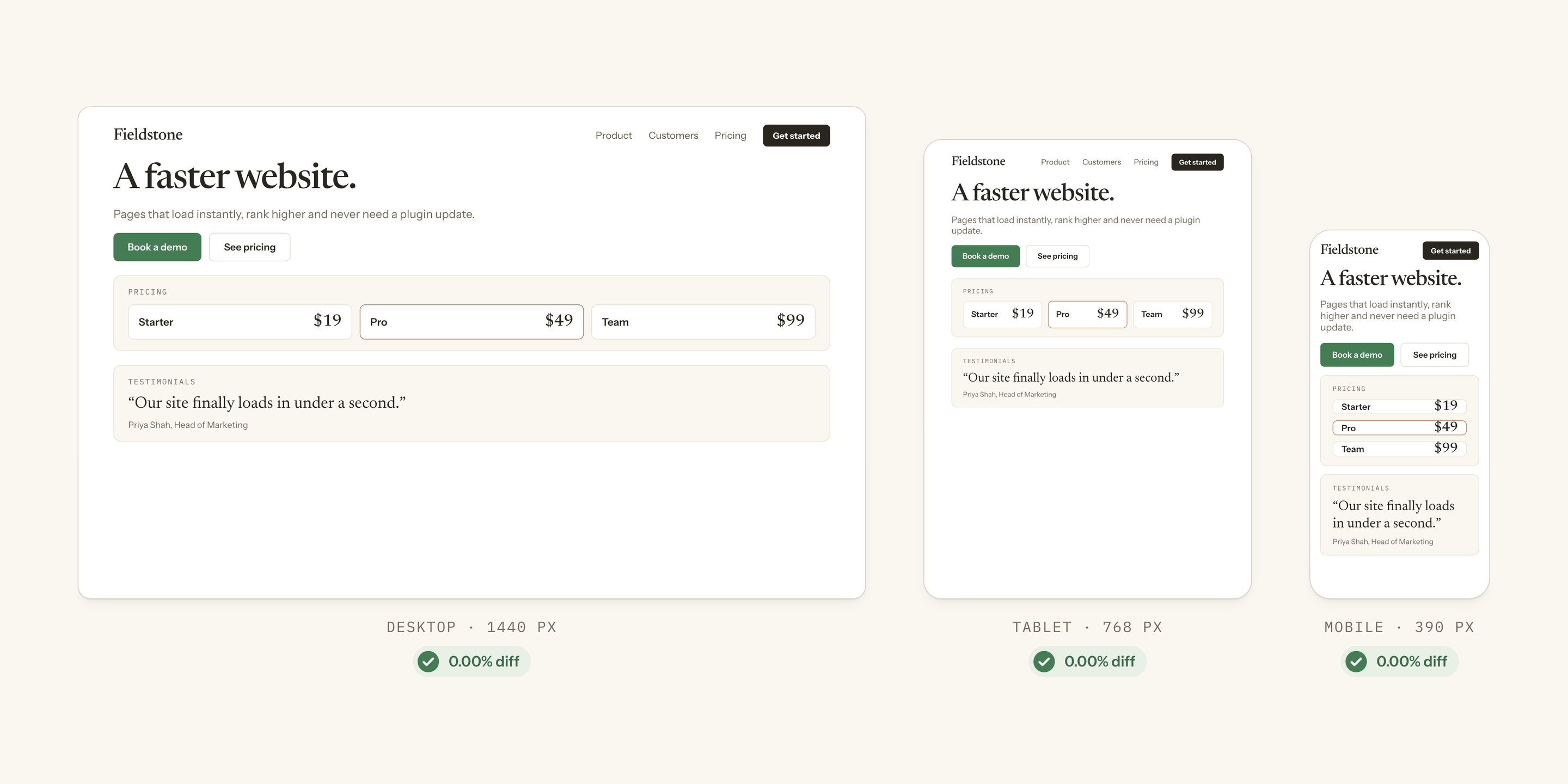
- Pixel match. Compared pixel by pixel at 1440, 768 and 390 px. A page that fails the gate is not delivered, and its credits come back.
- Content diff. Title, meta description, canonical, headings, text and image alts, checked word for word against the original.
- Links & redirects. Every internal link preserved, and a redirect for every page you leave behind, so no link ever breaks.
- Schema & metadata. Structured data, hreflang and the rest of your technical SEO, carried over byte for byte.
Ready to see your homepage on Astro?
Add your website and get a free preview of your homepage, copied to Astro.
What kind of sites do you migrate?
Marketing and content sites — homepages, landing pages, blogs, docs, portfolios. That's what Astro is built for, and where the payoff is biggest. We don't migrate e-commerce, or sites with logins, user accounts, or a complex backend — those need a different architecture than the fast, static sites Migrate produces: pre-built pages that load instantly and are still easy to edit. Not sure yours fits? The free analysis tells you, and so does the free site check.
Can I migrate a dynamic website?
Usually, yes, because most sites don't need to be dynamic in the first place. WordPress and most CMSs build every page from a database on each visit, even when every visitor sees the same page, which makes sites slower and less secure. We migrate your site to static: every page is built once, in advance, and served as a finished file. Forms, chat and analytics are rewired to the services you already use. Only logins, carts and per-visitor content truly need to stay dynamic, and we don't migrate sites that depend on them.
Which CMSs are supported?
Any CMS we can read from the public web: WordPress, Webflow, Squarespace, HubSpot, Wix, Drupal, and most others. We work from what your site already shows visitors, not from an export, so the platform behind it matters less than the pages in front. WordPress is where most sites come from, and where the gain is biggest.
How do credits work?
You buy a pack once — $199, $449 or $799 — and spend credits per page. One credit is one simple static page; a complex layout is four to six, and complexity is measured from the page, not guessed. The analysis shows the exact total before you pay, credits are only used once you pick pages and start, and they never expire. There is no subscription. If a page fails our match gate, its credits come back.
How exact is the copy?
Pixel for pixel. Every page is rendered from the original and from the Astro build with identical network answers, then compared at 1440, 768 and 390 px — alongside a content diff (title, meta, canonical, headings, text, image alts), every link, and your structured data. The proof is yours to inspect in the app, page by page, and to export as CSV.
What happens to pages I leave behind?
They get a redirect to your homepage, so no link ever breaks — not from Google, not from a newsletter you sent two years ago. Leave out the blog, old landing pages or anything you no longer need, and the credit estimate drops with it. Change your mind later and a re-run only charges for pages whose content differs.
Where does my code live?
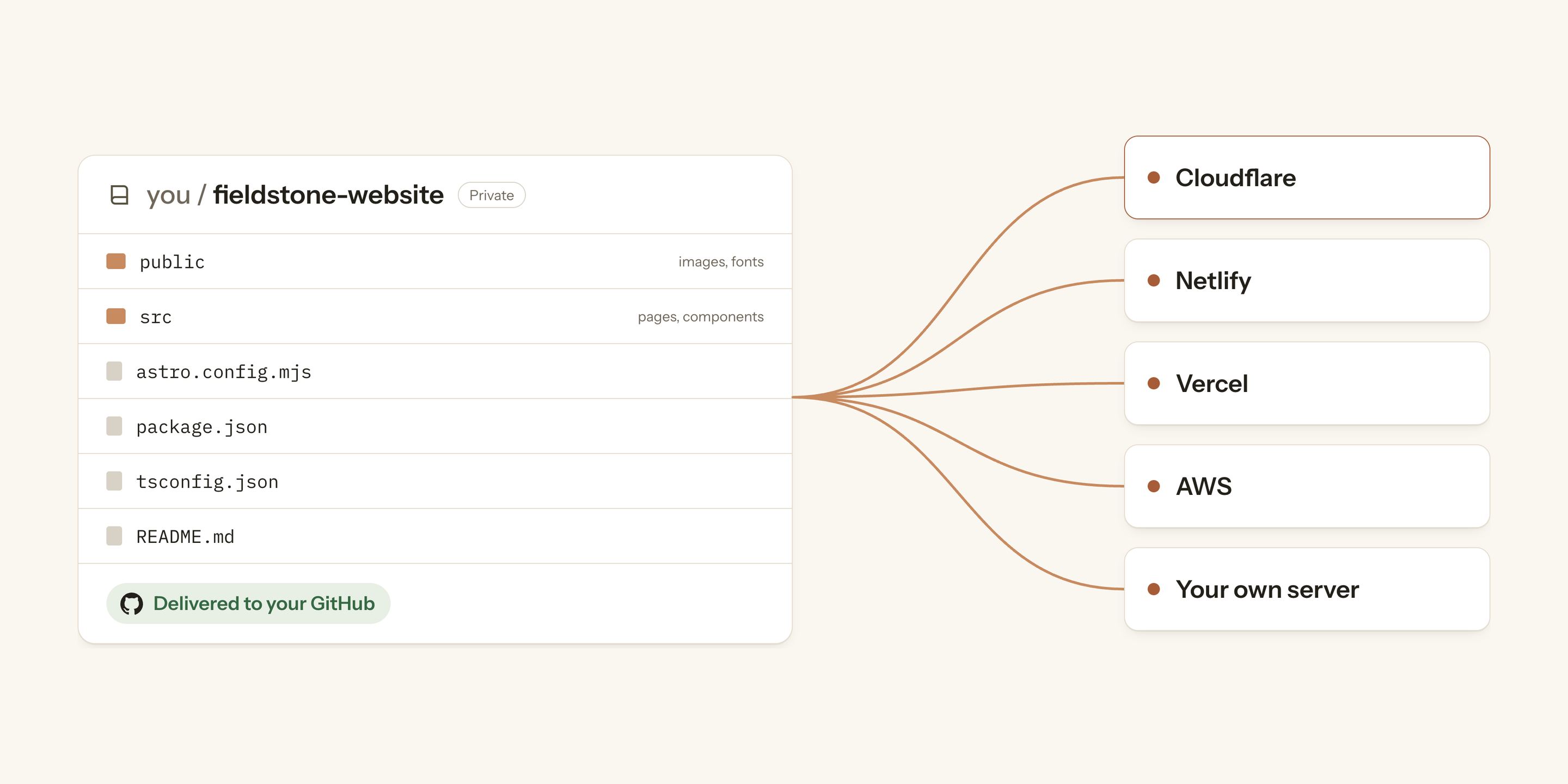
In your own GitHub account. When the proof passes, you connect GitHub and we create a private repository under your name and push the migrated site to it — with your permission, and we keep no copy. From there you deploy in one click to Cloudflare, or to any host you prefer; every push redeploys. Your current site stays untouched until you point your domain at the new one.
Which hosting do you support?
All of them. Your migrated site is plain static files, so it runs anywhere: Netlify, Vercel, GitHub Pages, AWS, or the hosting company you already pay. Our pick is Cloudflare, and it's where we deploy by default: pages are served from data centres close to every visitor, the free plan covers most marketing sites, and every push to your repository redeploys the site.
Why Astro over Framer, Webflow, or Lovable?
Those builders are great at getting a nice-looking site up fast. For everything after that, Astro wins: no dynamic JavaScript, real code with no platform lock-in, free and open source with near-zero hosting cost, and especially strong for content-heavy sites. It's also the friendliest for AI: because it's plain code, you can point any AI agent at it — Claude, Codex, Cursor — instead of being tied to the one assistant a platform bundles in, often as a paid add-on.
Is the code clean, or AI slop?
Clean. Migrate was built by engineers who moved sites by hand first, and it writes the code we would: an Astro project with a design system, components for the sections that repeat, and no framework runtime in the page. Every page has to pass the match gate before it reaches you, so what lands in your repository is a solid, maintainable codebase — not the fast-but-fragile output you'd be afraid to touch.
Is the site easy to update with Astro?
Extremely. You open the repository in Claude Code, Codex, or whichever AI tool you use, describe the change, and push. And it's not a free-for-all: the repo ships with a design-system file, guardrails and a short guide, so "add a pricing row for the Team plan" comes out matching the rest of the site.
Do you need access to my site, or an NDA?
Neither. Your site is already public, so we read what it shows the public web — no logins, no credentials, no access to your CMS admin. Images, fonts and video are captured from the live pages the same way. And since we only work with publicly available sites, there's nothing an NDA would cover.
Is Astro good for SEO?
Yes. Great Core Web Vitals, static pages that AI answer engines — ChatGPT, Perplexity, Google's AI Overviews — can actually read and cite, and the technical SEO structure in place so your site launches SEO-ready.
Do you change the design of the website?
No. The copy is checked pixel for pixel against the original at three screen widths, so what you get is your site as it is today. The difference is under the hood: the sections that repeat become components, and the design behind your site — its colors, spacing and type scale — becomes tokens in the code, so every page stays consistent when you edit it later. Your images, fonts and video come across exactly as they are.